Portable & Web-Based
Download the single-file portable nibble-desktop.exe for offline native Windows access, or launch directly in Chrome & Edge via WebHID. No installers required!
 Nibble
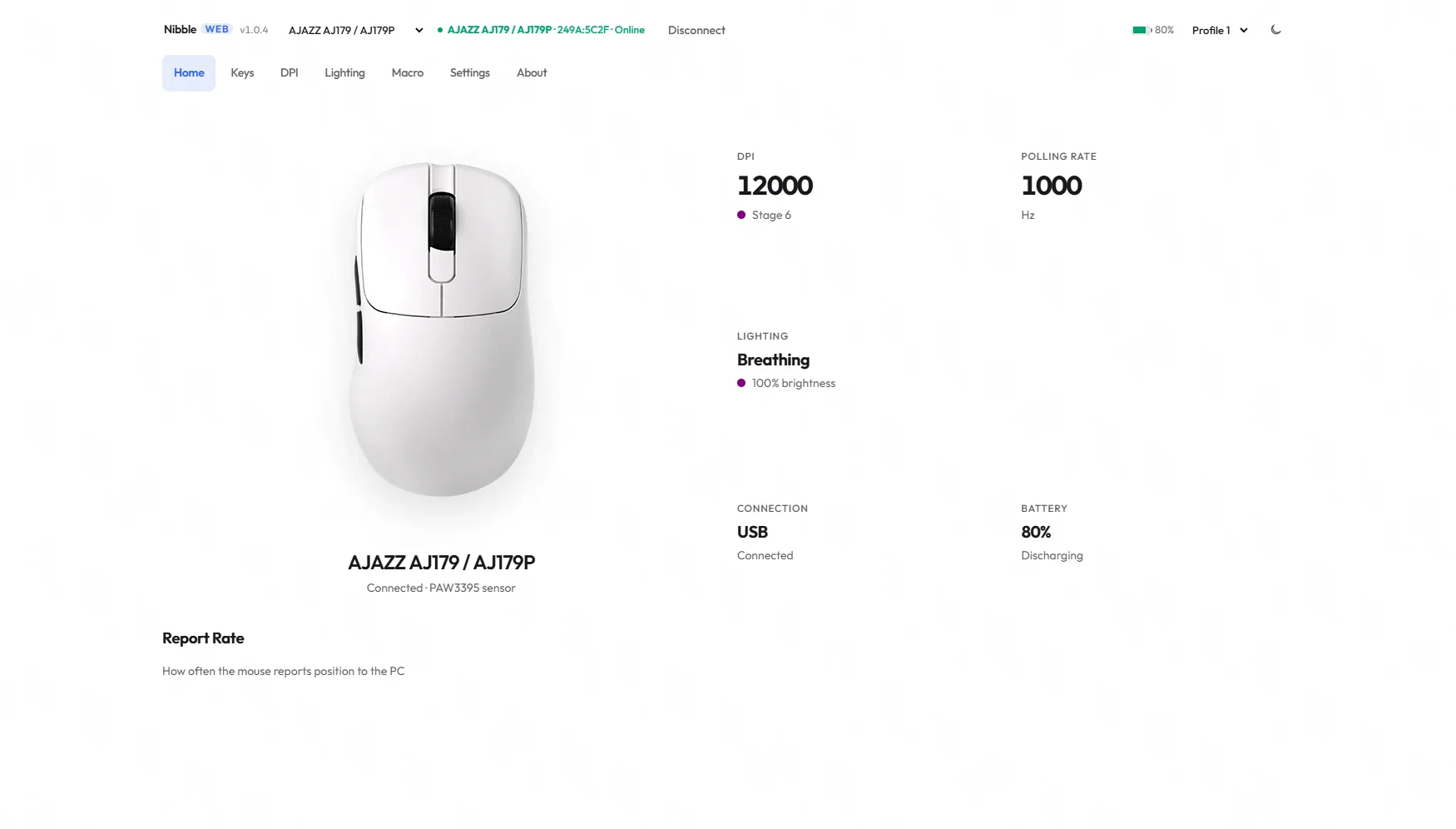
Nibble is an open configurator for AJAZZ, Attack Shark, VXE, and CompX/Yichip wireless gaming mice. Change DPI, 8K polling, lighting, and keys — portable, offline, and 100% bloat-free.
Download the single-file portable nibble-desktop.exe for offline native Windows access, or launch directly in Chrome & Edge via WebHID. No installers required!
Like the OEM app — tweak DPI or lighting and it writes to the mouse automatically.
Live % off the pad. On charge it holds your last good reading instead of fake 100%.
Protocols reverse-engineered from OEM firmware. Independent. Not affiliated with any brand.
A selection of gaming mice compatible with the Nibble protocol.
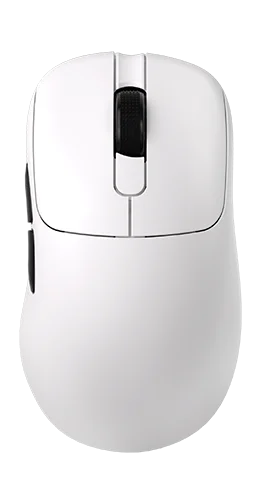
Ergonomic right-handed flagship featuring PixArt's PAW3950 APEX sensor, 8000Hz wireless polling rate, and an interactive GIF color screen charging dock.
Ergonomic right-handed mouse with PAW3395 sensor, 50-step DPI tuning, custom debounce settings, and magnetic charging base.
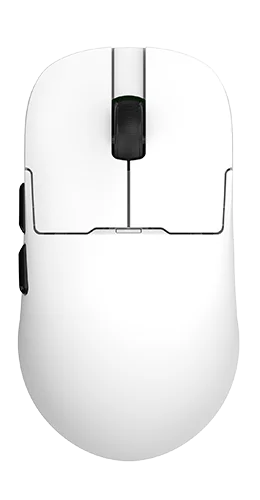
Ultra-lightweight 56g claw-grip flagship with PAW3950 APEX sensor, 8K wireless report rate, and magnetic charging dock with customizable GIF screen.
Tri-mode 56g performance mouse powered by PAW3395, supporting true 8000Hz wireless polling rate via its magnetic charging dock.
No! Nibble is 100% portable. You can run the Web App directly in Chrome or Edge, or download the lightweight standalone nibble-desktop.exe portable app for Windows with zero setup or background services.
Both versions feature the exact same UI and protocol engine! The Web App uses browser WebHID (requires Chrome or Edge), while the Desktop App (.exe) uses native Windows HID communications and works completely offline without needing a browser.
mostly AJ179 and AJ179P (PAW3395) and other 248A/249A receivers. mine is an AJ179P, so i've only been able to test it on that. make sure to pick the 'Wireless-Receiver' config, not mouse or keyboard.
No. Bluetooth mode is a low-power connection profile that disables custom configuration channels (this applies to both Nibble and AJAZZ's official software). Please connect your mouse via the 2.4G wireless dongle or USB-C cable to configure it. Your settings save directly to the mouse's onboard memory and will remain active when you switch back to Bluetooth!
you don't have to. why ask if it's free?
checkout goes through polar.sh (cards and stuff). it's just a one-time tip to keep me motivated. there are no special benefits, the app is already free on github. you'll get a receipt via polar if you need it.
no 😝. this is an independent client i reverse engineered from the AJAZZ Driver (X) 1.0.1.4. use at your own risk.